Reporting System


|
Reporting System |
|
|
The eCoordinator program allows you to create and/or print a wide variety of reports automatically. There are multiple purposes for reports. These include generating statistical (logbook) reports, mailing labels, phone rosters and even exporting data from the system when needed.
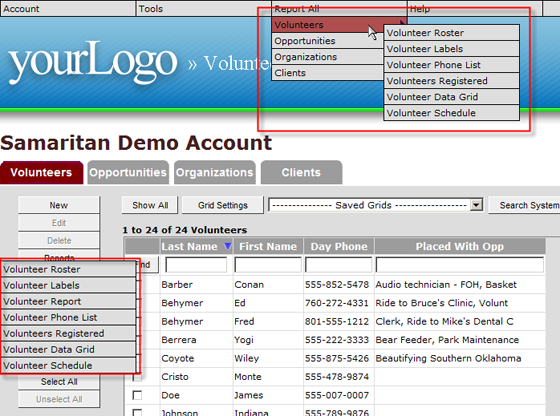
There are two ways to access reports:
Why Different Ways to Access?
The buttons on the left side are always for taking action on selected records inside the grid. The menu bar across the top is for “system-wide” actions. Therefore the “Report All” menu at the top will always pull report data from the entire database while reports created with the “Reports” button will use data solely from the current grid or records you select inside the grid. |