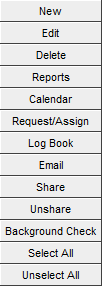
These allow you to choose the action you want to take on selected records only. In some cases you can only select a single record before taking one of the listed actions.
Later we will teach you how to search, sort, and build named grids and searches which will help you enter the data you need into the grids. For now it is important to know that you can select records and take action on them.
There are some buttons which open up entirely new sets of functions like “Scheduling,” "Email," and “Log Book.” Each of those has its own section of training material in this course.
You may also right-click on any of the main grids and be given the option of creating a new profile, or editing or deleting the profile that the mouse cursor is hovered over at the time of right-click.
|